
Run Studio
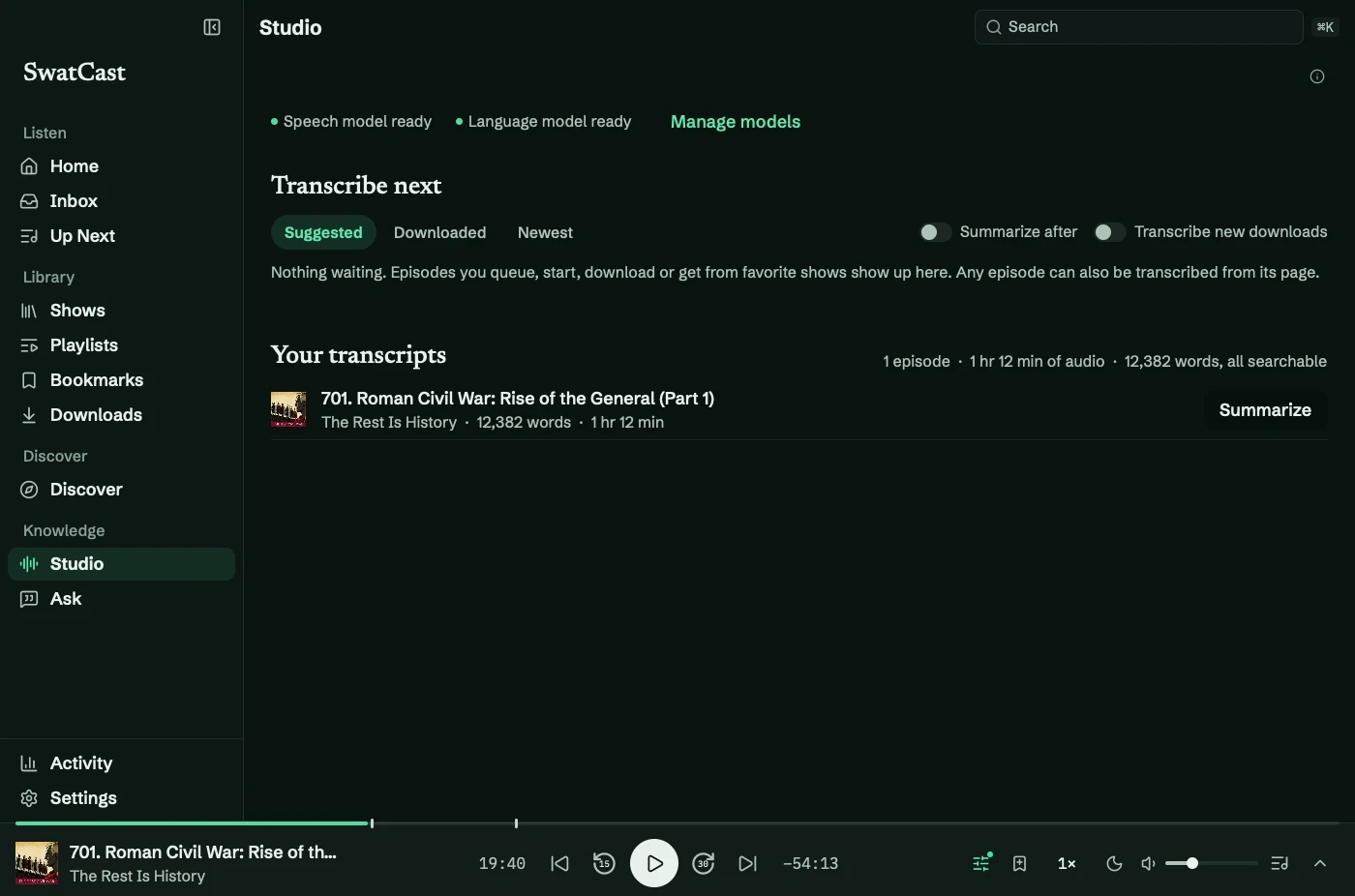
Studio (⌘7) manages transcription and summaries. Install the speech model for transcription and a language model for summaries.
Process episodes
Section titled “Process episodes”- Choose an episode under Transcribe next, or open an episode and select Transcribe.
- Use Transcribe all to queue the current suggestions.
- Keep listening while Studio works through one job at a time.
Suggestions include Up Next, episodes in progress, downloads, and new episodes from favorites. Each explains why it appears.
The queue is saved between launches. Interrupted work is recovered when you reopen the app. Finished transcripts become searchable and appear under Your transcripts.
Automate it
Section titled “Automate it”In Settings → Local AI, enable Transcribe new downloads or Summarize after transcribing as needed. Automatic transcription skips episodes with timed publisher transcripts.
Clear summaries asks before deleting generated summaries. Transcripts and audio remain.
For missing text, see transcript troubleshooting.