
Keyboard shortcuts
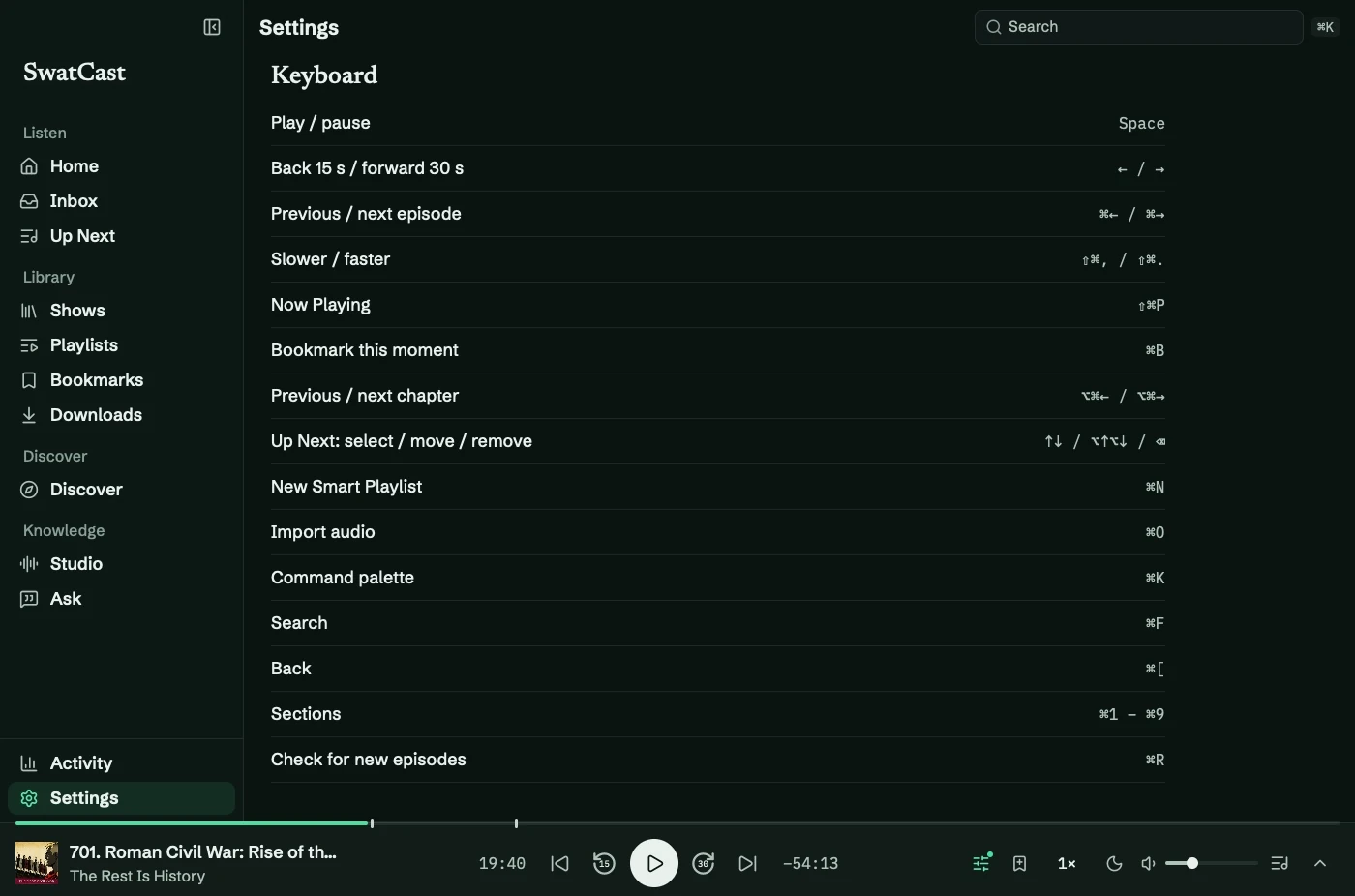
Open Settings → Keyboard for the main shortcuts. Space and arrow keys type normally inside text fields.
Playback
Section titled “Playback”| Action | Shortcut |
|---|---|
| Play/pause | Space |
| Back/forward by the show’s skip amounts | ← / → |
| Previous/next episode | ⌘← / ⌘→ |
| Previous/next chapter | ⌥⌘← / ⌥⌘→ |
| Slower/faster | ⇧⌘, / ⇧⌘. |
| Bookmark | ⌘B |
| Now Playing | ⇧⌘P |
Navigation
Section titled “Navigation”| Action | Shortcut |
|---|---|
| Command palette | ⌘K |
| Search | ⌘F |
| New Smart Playlist | ⌘N |
| Import audio | ⌘O |
| Back | ⌘[ |
| Settings | ⌘, |
| Check new episodes | ⌘R |
| Hide/minimize | ⌘H / ⌘M |
| Close a sheet | Esc |
⌘1 through ⌘9 opens Home, Inbox, Up Next, Shows, Bookmarks, Discover, Studio, Ask, and Activity in that order. Playlists and Downloads have no number shortcut.
Up Next
Section titled “Up Next”Arrow keys select; Shift extends selection. ⌥↑/⌥↓ reorder, ⌫ removes, and Return plays. See Up Next.
Icon buttons show their name and shortcut on hover.