
Settings
Open Settings with ⌘,, or SwatCast → Settings…. Help → Keyboard Shortcuts and Help → Privacy open Settings at those sections. Buttons elsewhere that lead to Settings open it at their section too: Manage models in Studio and Open Settings in Ask go to Local AI, Download settings goes to Downloads and storage, and Add a feed by address goes to Data and export.
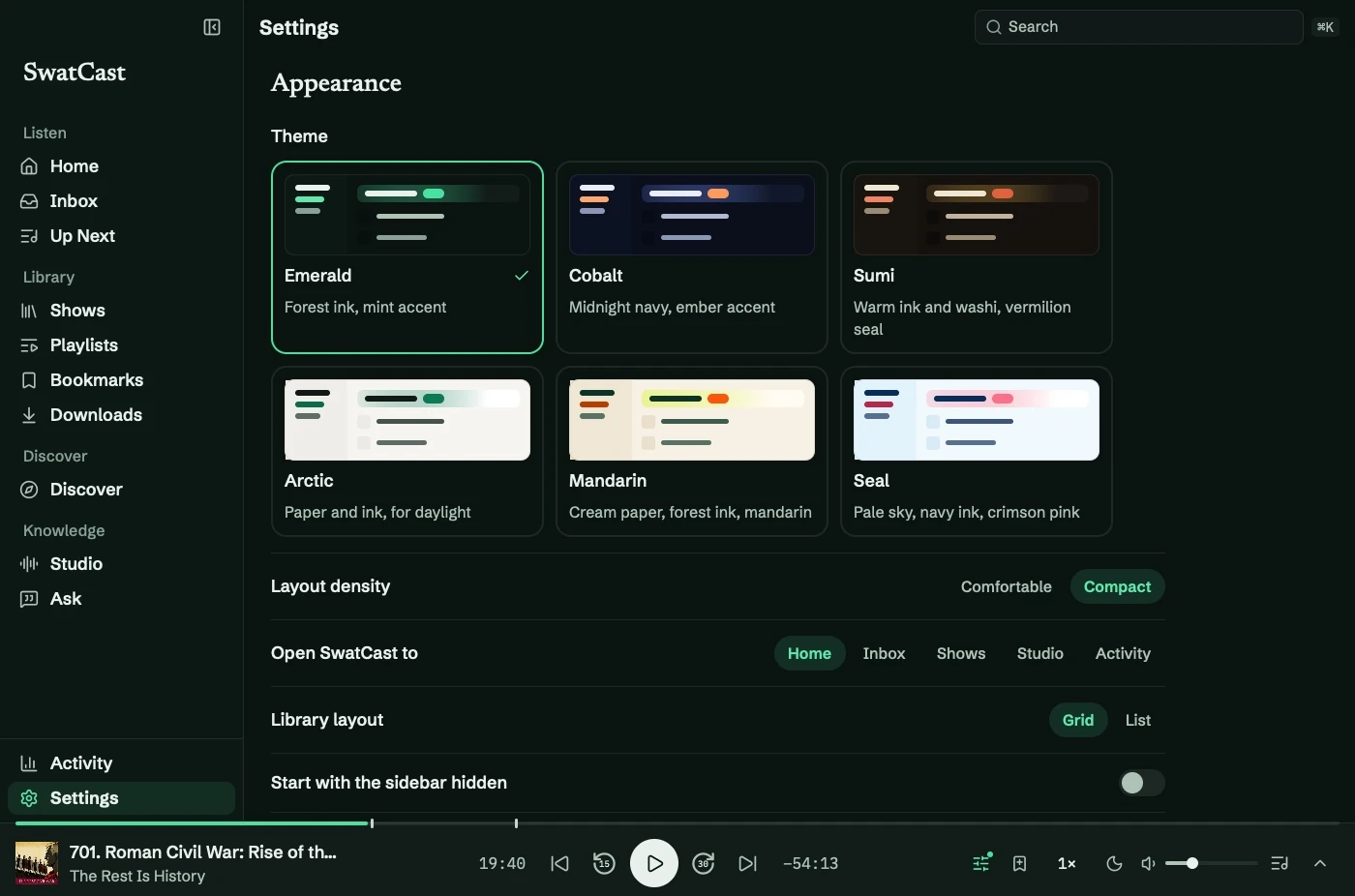
The groups you will use most are below. Playback and audio is documented with the player: speed, voice, Loudness Guard, Silence Skip, jumps, sleep fade, the menu bar, focus sound, and transcript following. Local AI is documented with Models. Data and export holds the RSS field, Import Audio, OPML, and Show in Finder for the library folder. Those actions are on Find and follow a show and Bring in your own audio.
Two groups are on the Settings screen and are not given procedures in this guide: notifications, and backup and restore. They have not been verified end to end. See Limitations.