
Use the Inbox
Inbox (⌘2) lists episodes from followed shows. Imported audio stays in Shows. Your filter and sort choices are remembered.
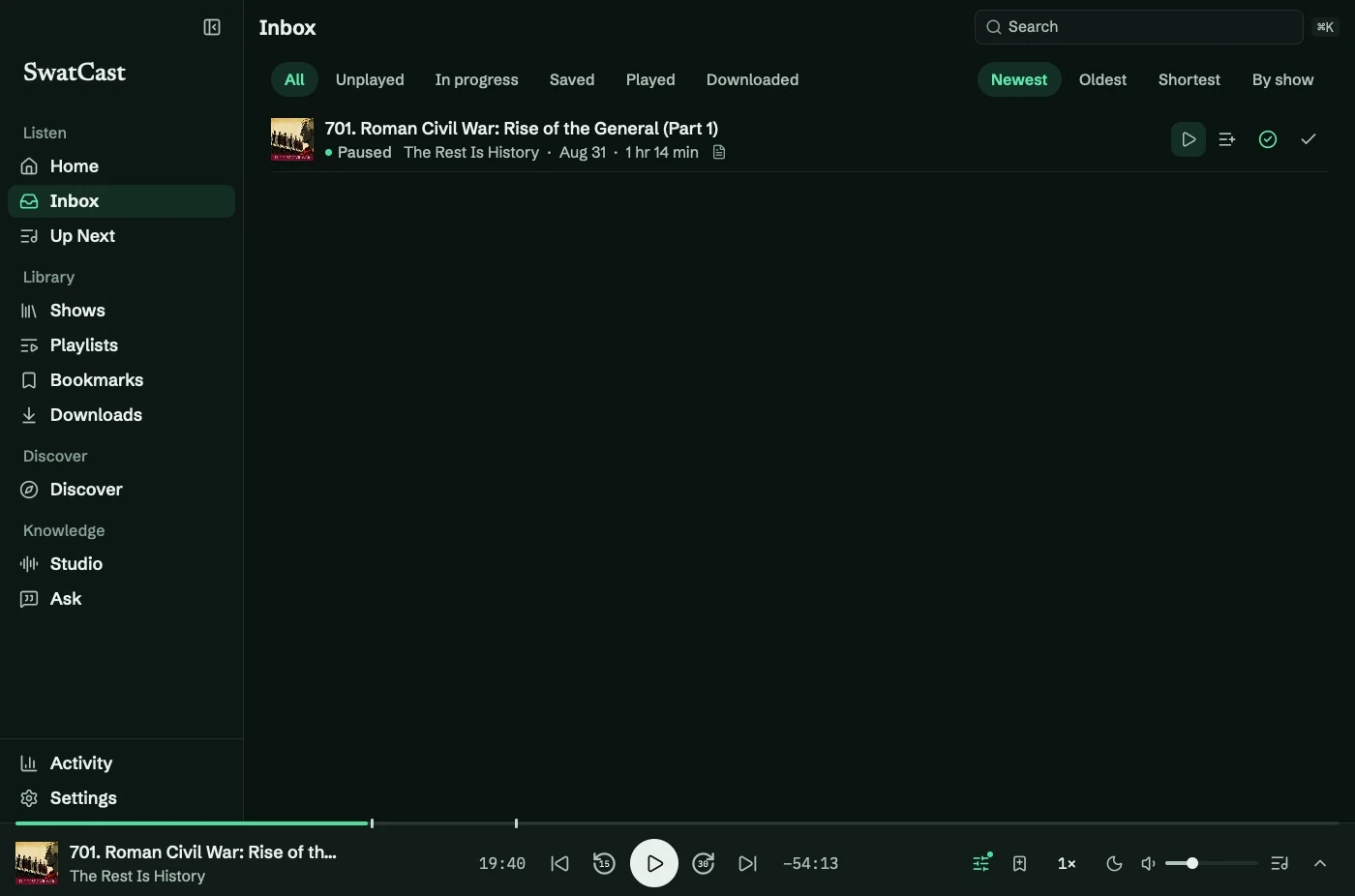
Filter
Section titled “Filter”| Filter | Episodes shown |
|---|---|
| All | All followed episodes, loaded in batches |
| Unplayed | Not started |
| In progress | Started and unfinished |
| Saved | In Saved for Later |
| Played | Finished or manually marked played |
| Downloaded | Audio stored on your Mac |
New marks episodes published within seven days that you have not started. Older unstarted episodes have no badge.
Choose Newest, Oldest, Shortest, or By show. Date sorts use publication date.
By show groups shows alphabetically and displays each show’s five newest matching episodes. Select the show name for the rest.
Act on an episode
Section titled “Act on an episode”Use the row buttons to play, queue, or download. Right-click for Play Next, Save for Later, Add to Playlist, playback status, download management, Copy Episode Link, and Go to Show.
Saving adds the episode to Saved for Later. It does not hide it from Unplayed or change Up Next.
See catch-up steps.