
Arrange Up Next
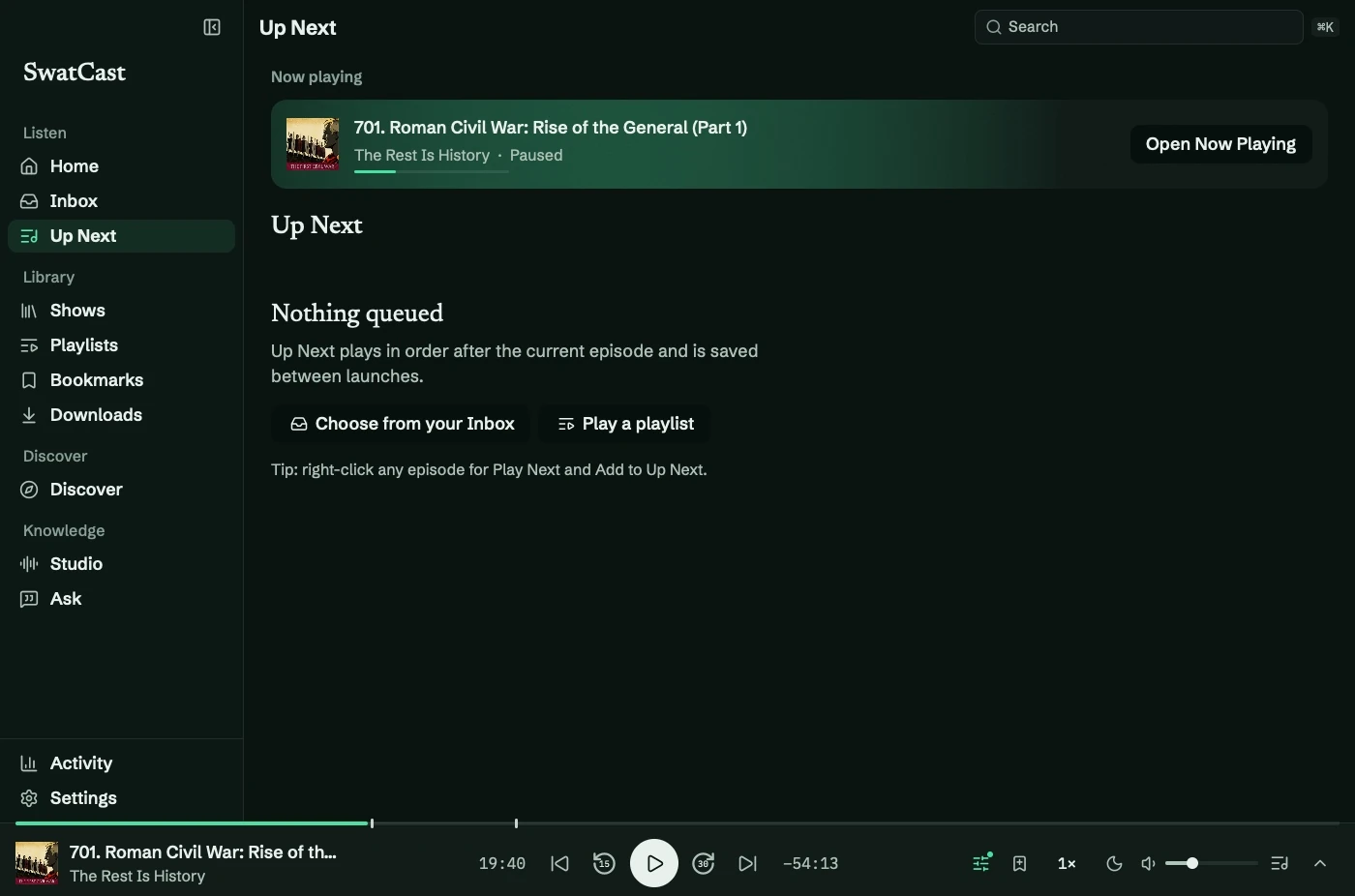
Up Next (⌘3) saves your queue between launches. It displays the current episode, any playlist session, then your queued episodes.
Build the queue
Section titled “Build the queue”Right-click an episode and choose Play Next to put it first, or Add to Up Next to append it. A playlist’s Add all to Up Next appends its matches.
Playing a playlist creates a session above the queue. When it finishes, the saved queue continues. Playing something else ends the session.
Reorder and remove
Section titled “Reorder and remove”- Drag rows, or use ⌥↑ and ⌥↓.
- Click, ⌘-click, or ⇧-click to select episodes.
- Arrow keys move selection; Shift extends it.
- ⌫ removes selected entries; Return plays the selection.
- Use bulk Play next, Mark played, or Remove, or choose Shuffle and Clear.
Clearing the queue leaves episodes, progress, bookmarks, and playlists intact. Save for Later keeps an episode in a separate playlist.
See development limits for packaged-app interaction testing.