
Bookmarks
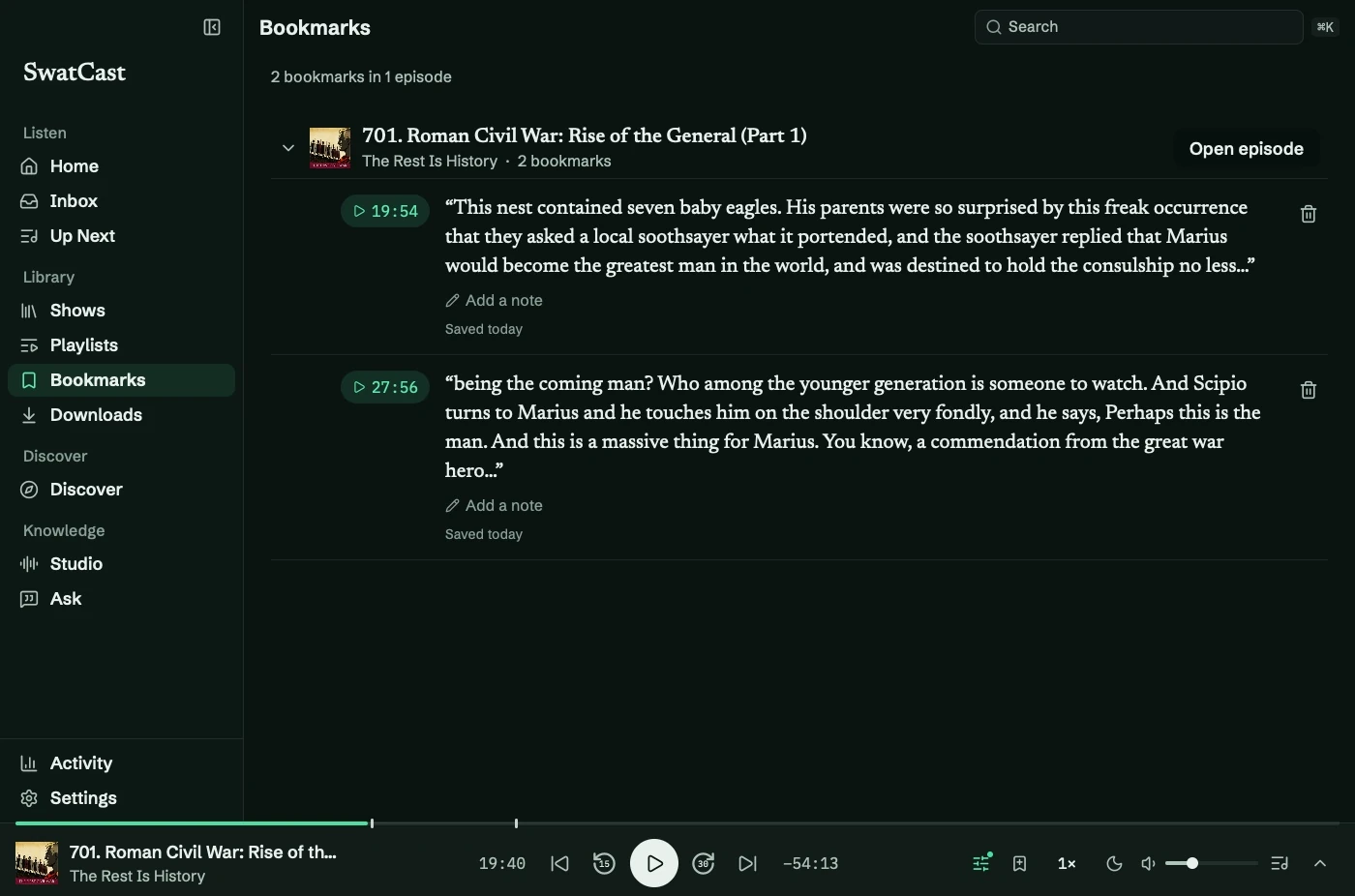
Press ⌘B while listening to save a moment. Open Bookmarks (⌘5) to see saved moments grouped by episode.
Save and return
Section titled “Save and return”The player, Now Playing, and command palette also have bookmark actions. A bookmark saves from three seconds earlier; pressing again within four seconds avoids a duplicate.
Select a bookmark to play from its time. Marks appear on both player scrubbers. Now Playing shows the current episode’s bookmarks; the sidebar screen shows your whole library.
Groups with up to three bookmarks start expanded. Use Expand all or Collapse all to change that.
Notes and quotes
Section titled “Notes and quotes”Select Add a note, type, and press Return.
Timed transcripts add words from six seconds before the bookmark to fifteen seconds after it. Quotes fill in if you transcribe or fetch timed publisher text later. Untimed text cannot supply quotes.
Bookmarks and notes stay when you unfollow a show. See the bookmark tutorial.