
Browse Shows
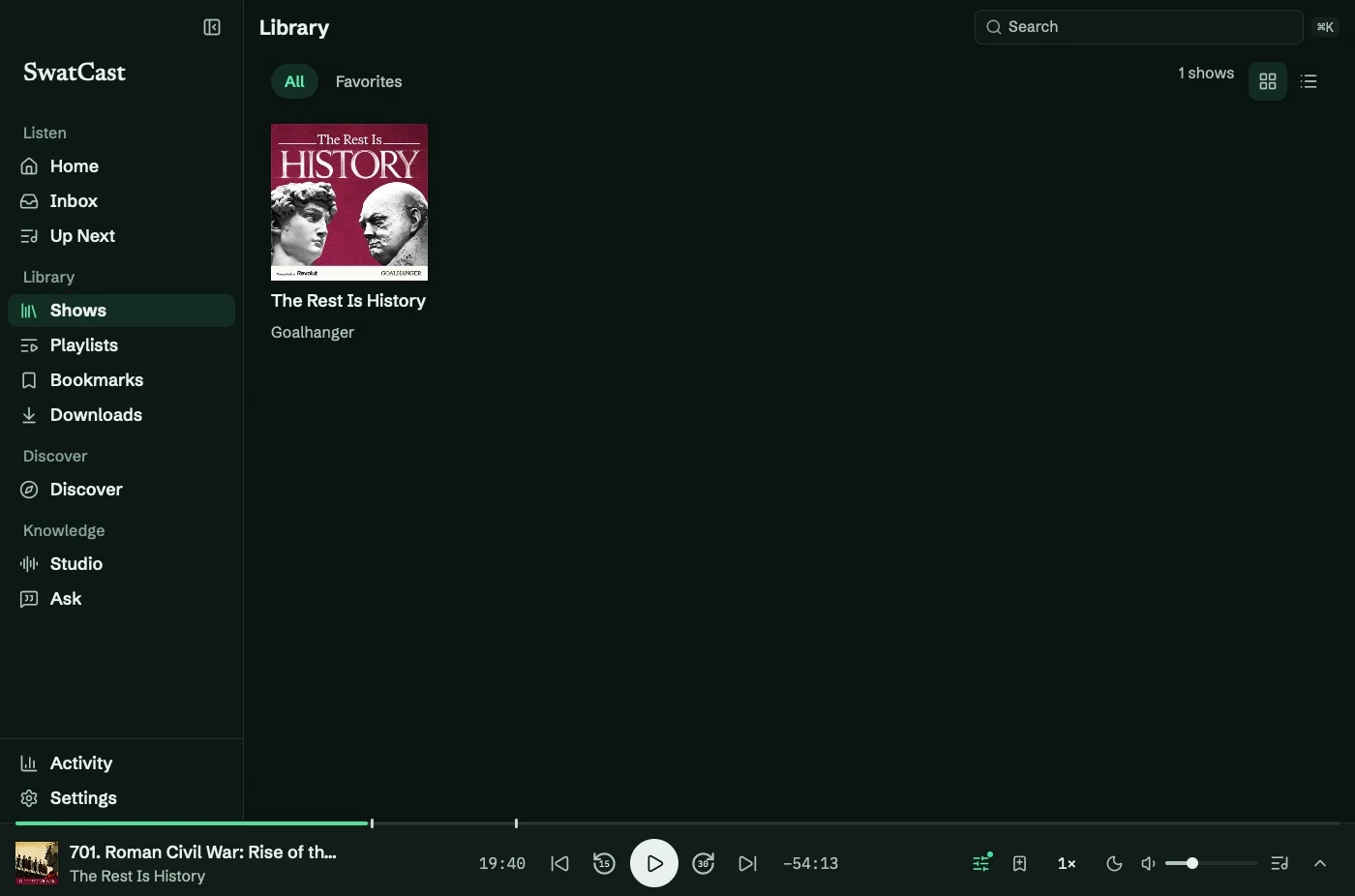
Shows (⌘4) holds followed podcasts and imported audio collections. Choose Grid or List, then All or Favorites.
Browse a show
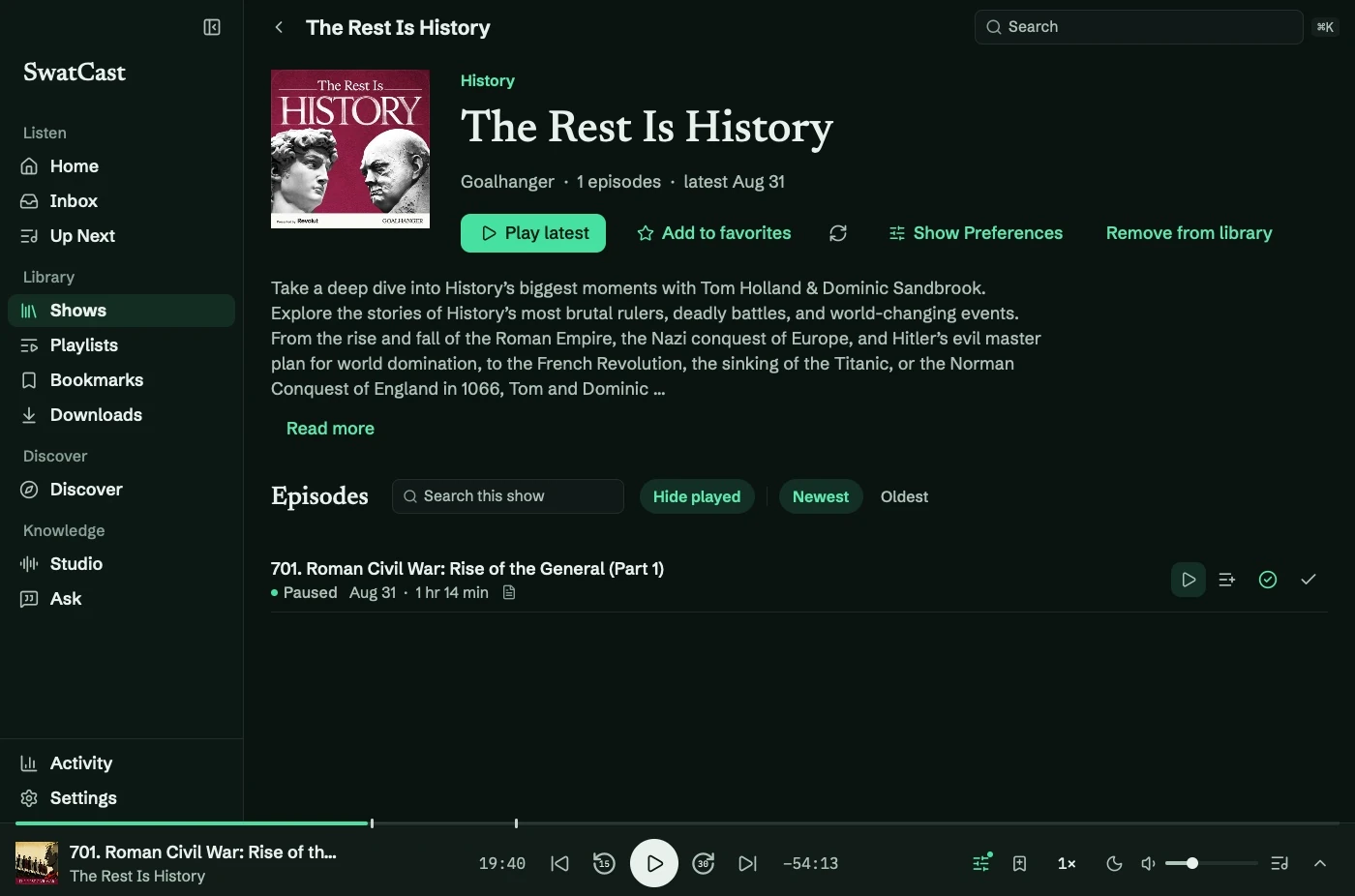
Section titled “Browse a show”Open its artwork or title. From the show page you can:
- Play the latest episode, favorite the show, or refresh its feed.
- Sort Newest or Oldest and enable Hide played.
- Search titles, show notes, and stored transcripts. Show more loads further matches.
- Open Show Preferences for playback and download rules.
Favoriting influences Home suggestions and can enable automatic downloads. Appearance settings control layout and whether play counts appear.
Remove or relink
Section titled “Remove or relink”Unfollowing keeps progress, bookmarks, downloads, and transcripts. Removing downloaded audio is separate.
For imported audio, Remove from Library… leaves the original file on disk. Use Edit Details → Find the file if it moved. See imported audio.